Ask the question. MESA finds the data.
MESA — the Multidisciplinary Environment for Scientific Advancement — is an open-source, agentic AI platform that connects scientific data through curated, indexed metadata. A data lakehouse, a federated data mesh, and AI agents that speak both, running on national research infrastructure today.
01
User interface
Laptop · Desktop · K8s container
02
Agentic AI
MCP · RAG · Agents · Reasoning · Sandboxing
03
Data management
Data Lakehouse (DuckLake) · Data Mesh (iRODS)
04
Compute
CyVerse · TACC · ACCESS-CI · NAIRR
05
Object storage
S3 · OSN · VAST · Lustre
01
Open-source data lakehouse
Analytical tables over open formats — DuckLake, Apache Iceberg, Parquet — with time-travel versioning built in. Query five petabytes like a database, and rewind any table to the state it held when the paper was submitted.
02
Federated iRODS data mesh
One policy engine across the CyVerse Data Store and its federated peers, with CILogon, Globus Auth, and ORCID handling identity. The lakehouse and the mesh interoperate — your data stays where it lives, and still shows up where you work.
03
Agentic AI orchestration
Self-hosted LLM serving on vLLM, RAG pipelines over curated metadata, and an MCP server framework with sandboxed, multi-agent orchestration. Agents that find, describe, and move scientific data — with the guardrails written first.
The MESA Portal. Sign in and start.
Sign in to mesa.cyverse.org with a free CyVerse account to browse, share, and describe your Data Store files, launch apps, and follow your analyses. The featured apps start from the portal with your Data Store mounted and the MESA MCP servers already registered for Claude Code, Codex, OpenCode, and Antigravity.
| Featured app | What it is | Source |
|---|---|---|
| MESA Cloud Shell | A terminal in the browser with five AI coding-agent CLIs | cli |
| MESA JupyterLab | Python, R, and Julia notebooks, with RStudio and VS Code in the Launcher | jupyterlab |
| MESA RStudio Geospatial | RStudio on the Rocker geospatial stack | rstudio |
| MESA VS Code | VS Code in the browser, with Cline wired to the MESA MCP servers | vscode |
| MESA KASM Ubuntu Desktop | A full Ubuntu desktop in the browser | kasm |
Each app also has a GPU build with CUDA PyTorch and a local Ollama server. Step-by-step guides with screenshots cover managing data, starting applications, and managing analyses.
One line. Four servers. Your CyVerse sign-in.
MESA is not a promise — the MCP stack is public and installs now. One command clones, builds, and registers the CyVerse servers in Claude Code, Codex CLI, Antigravity, and OpenCode, and connects them to CyVerse’s hosted Formation server. Anonymous public access to the Data Store works out of the box; Formation asks you to sign in with your CyVerse account once in each agent client.
| Server | Language | Role |
|---|---|---|
| mesa-mcp | Python | iRODS Data Store + OBO/OLS ontology metadata, DataCite, DuckLake history |
| mesa-ducklake | Python | AVU metadata-history library backing mesa-mcp |
| irods-mcp-server | Go | Reference iRODS Data Store server |
| Formation | Hosted by CyVerse | CyVerse Discovery Environment — launch apps, manage analyses |
Featured connectors. Nothing to install.
CyVerse runs the Discovery Environment server, Formation, as a hosted MCP server, and serves public Data Store collections the same way — no local build, no toolchain. On claude.ai or in Claude Desktop, open Customize → Connectors → Add custom connector, name the connector, paste its endpoint URL, and for Formation choose Register automatically under OAuth client and sign in with your CyVerse account (the public Data Store connector needs no sign-in). The Free plan allows one custom connector, so add the one you need. A connector on your claude.ai account follows you to Claude Desktop and the Claude mobile apps, and to Claude Code when Claude Code is signed in with your claude.ai subscription (not an API key or another model provider).
| Connector | Endpoint | What it opens |
|---|---|---|
| CyVerse Formation | https://de.cyverse.org/formation/mcp | Discovery Environment — launch apps, track analyses, read and write your Data Store files, as you |
| cyverse-irods-shared | https://mcp-public.cyverse.ai/mcp | CyVerse Data Store — public collections under /iplant/home/shared, anonymous read |
The installer already registers formation. Without it, Claude Code registers the same endpoints from the terminal; if an older MESA install left a local formation entry, run claude mcp remove formation -s user first (see Moving from the local formation-mcp). Run /mcp afterwards to sign in to Formation:
The Formation docs cover Codex, OpenCode, and Antigravity, and the connector guide covers Team and Enterprise organizations.

Tyson L. Swetnam, Ph.D.
Principal Investigator · UNM
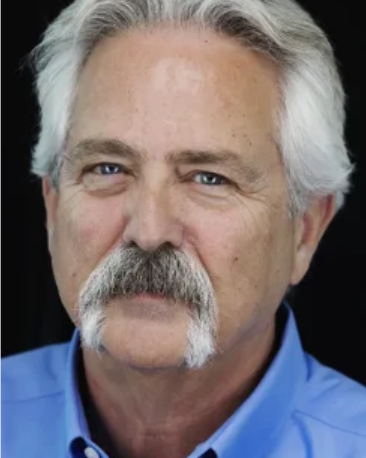
Arthur B. Maccabe, Ph.D.
Co-PI · Arizona site lead
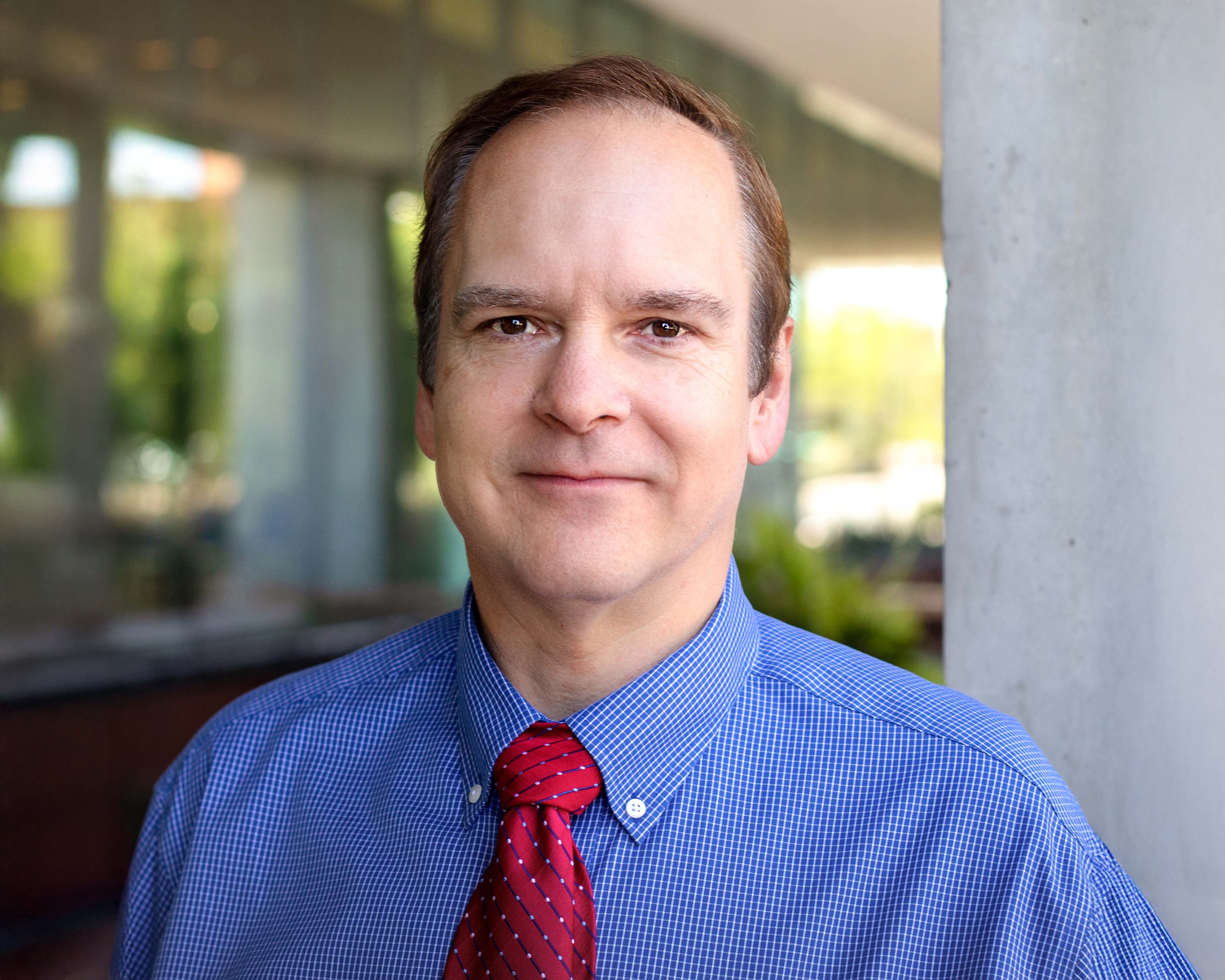
David Ebert, Ph.D.
Co-PI · Chief AI & Data Science Officer · Arizona
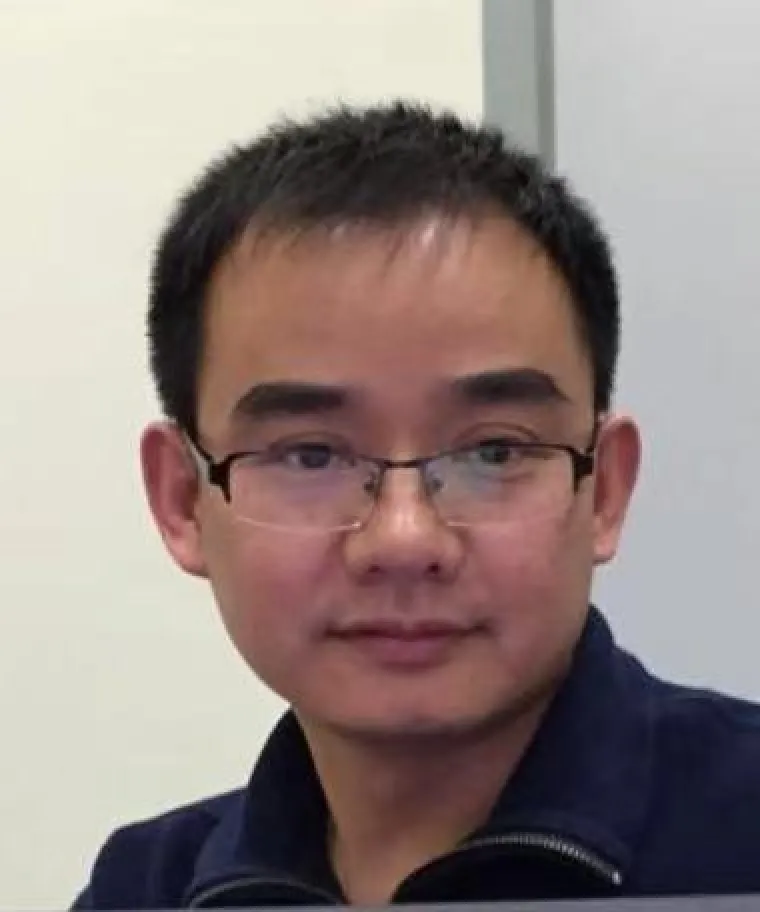
Lei Cao, Ph.D.
Co-PI · Lakehouse lead · Arizona

Terrell Russell, Ph.D.
Co-PI · Data Mesh Lead · RENCI Site Lead
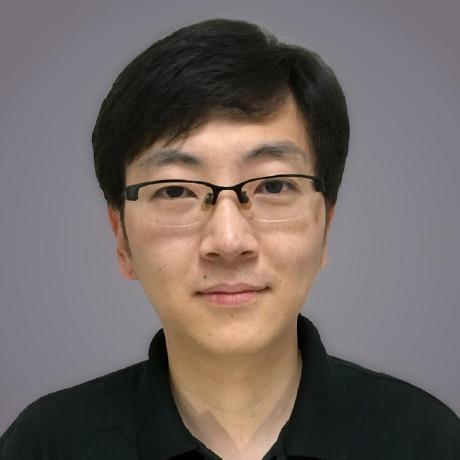
Illyoung Choi, Ph.D.
Research Software Engineer · Arizona

Kory Draughn
Chief Technologist · RENCI

Alan King
Senior Software Developer · RENCI

Justin James
Applications Engineer · RENCI
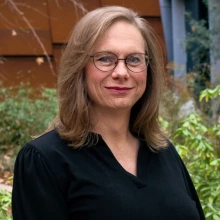
Sarah Roberts
Research Software Engineer · Arizona

Tony Edgin
Data Curator · Arizona
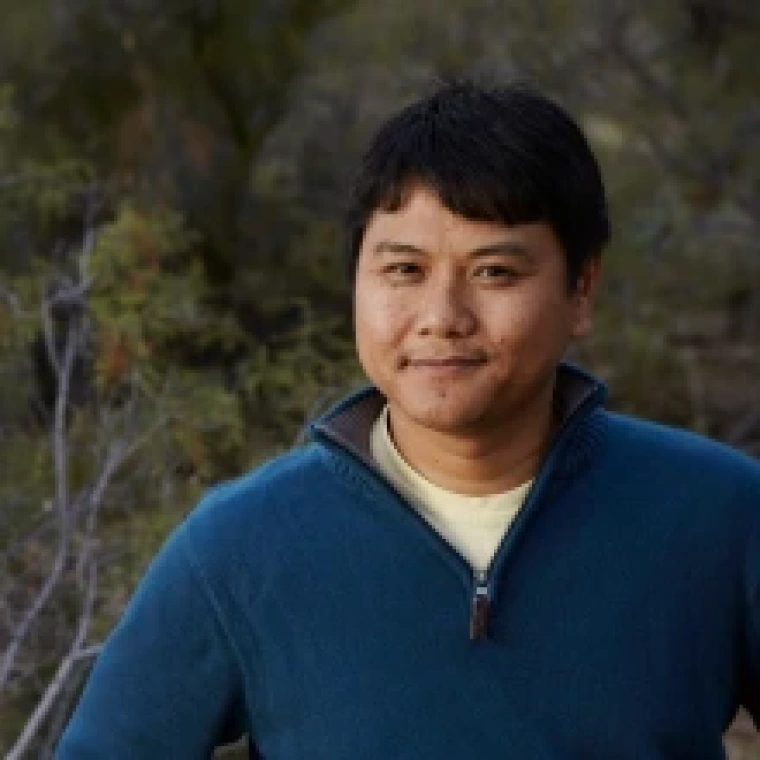
Edwin Skidmore
Cloud Orchestration / Infrastructure · CyVerse
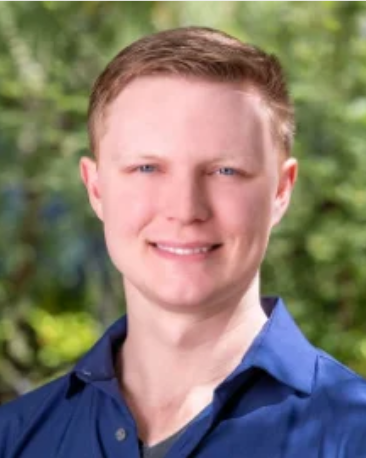
Greg Chism, Ph.D.
EOT Lead · Senior Personnel · Arizona

Jingdi Chen, Ph.D.
5G/6G Networking · Arizona
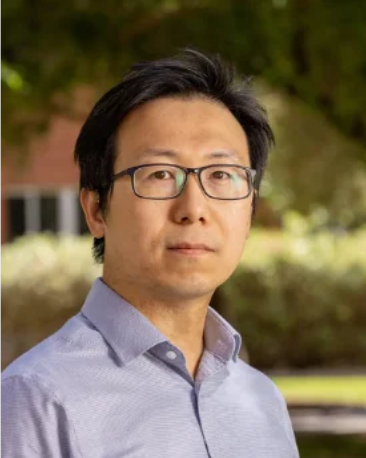
CK Chan, Ph.D.
Astronomer · Arizona
Wolfgang Jentner, Ph.D.
Human-Computer Interaction · Arizona

Junjia Guo
PhD Student · Arizona

Pengxin Wang
PhD Student · Arizona

Junyong Zhao
PhD Student · Arizona
Linan Zheng
PhD Student · Arizona
MESA kicks off with NSF IDSS, July 2026.
The project team convenes with the NSF Integrated Data Systems & Services program for the MESA kick-off meeting — the University of New Mexico, the University of Arizona, and UNC-CH/RENCI, setting the two-year prototype baseline in motion.
Creating new simulations of black holes, with OpenAI.
Co-investigator CK Chan, Ph.D. worked with OpenAI on creating new simulations of black holes — a look at agentic coding against Event Horizon Telescope science.